AI video editor for Indian creators
Turn raw clips into Reels in your own language
Upload one video. Get captions in Hindi, Tamil, Telugu or any of 23 languages, with zooms, graphics and B-roll placed for you. Fix any word, then export.
- Preview and editing are free
- No card needed to start
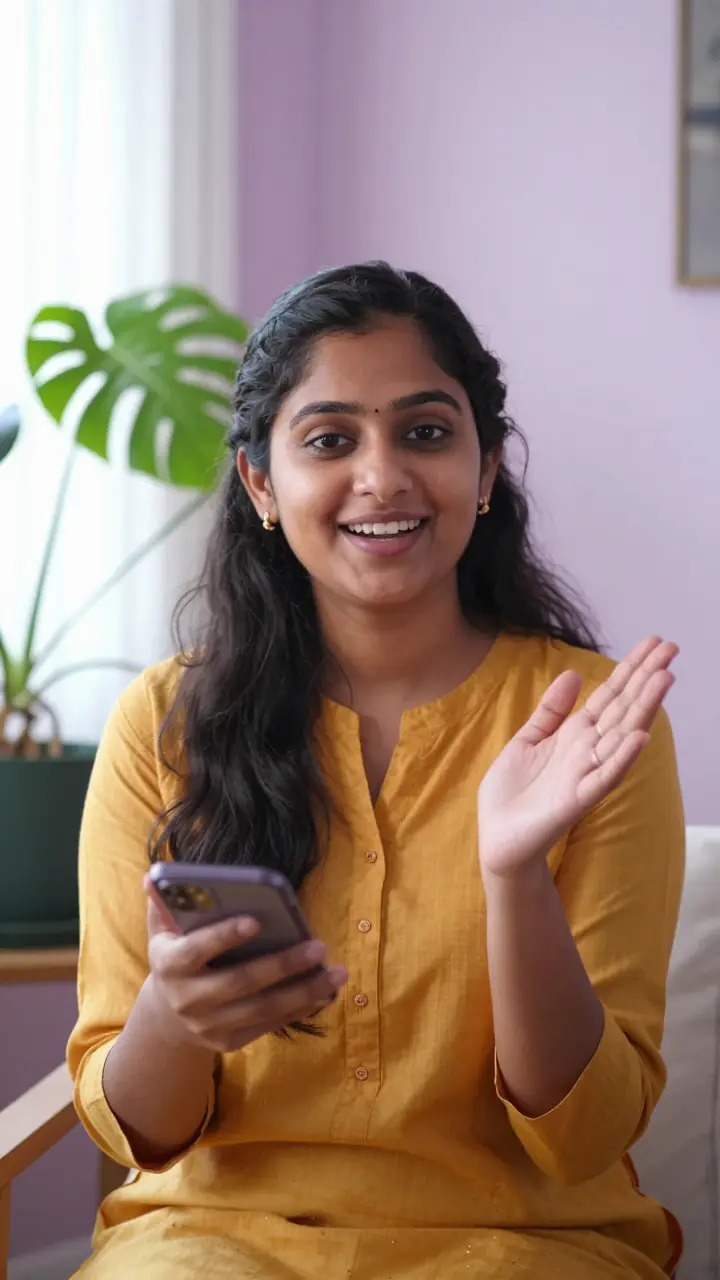
येtrickसबकोपताहोनीचाहिए
Illustration with a fictional creator. The caption is live text.
What it does
Everything a Reel needs, done for you
Upload once. Each of these happens on its own, and every one of them is yours to change.
Captions in Indian languages
22 Indian languages and English, and the mixes people really speak. Every word appears in its own script, set in fonts that keep every matra intact.
- 10 Indian languages at launch quality, 12 more in beta
- Switch captions between native script and Roman in one tap
- Tap any word to fix it, and the edit follows
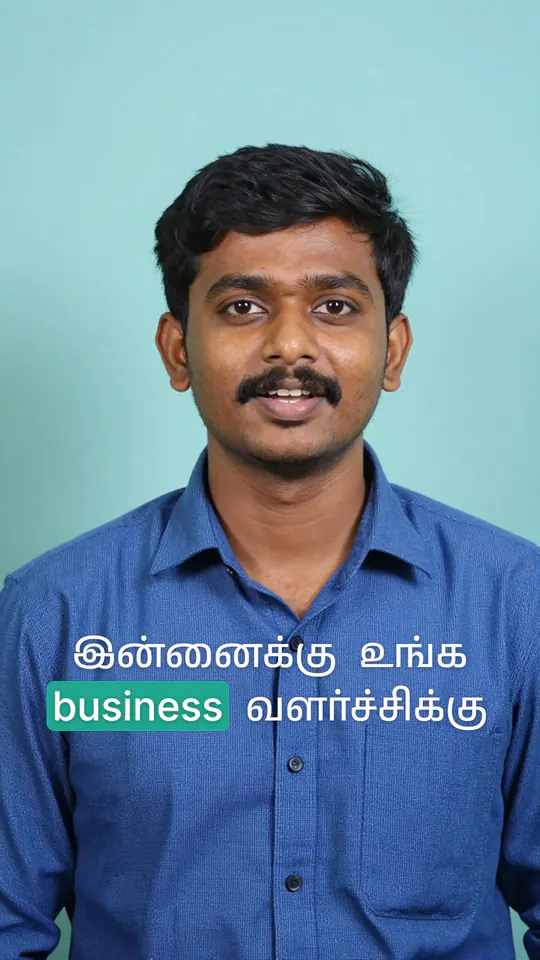
Looks, not filters
54 complete designs: caption style, colours, frame, title cards and graphics, each in about 4 colourways.
- Every video gets its own layout inside the look
- Switch looks and your own edits stay
- Your brand colours and font go on top
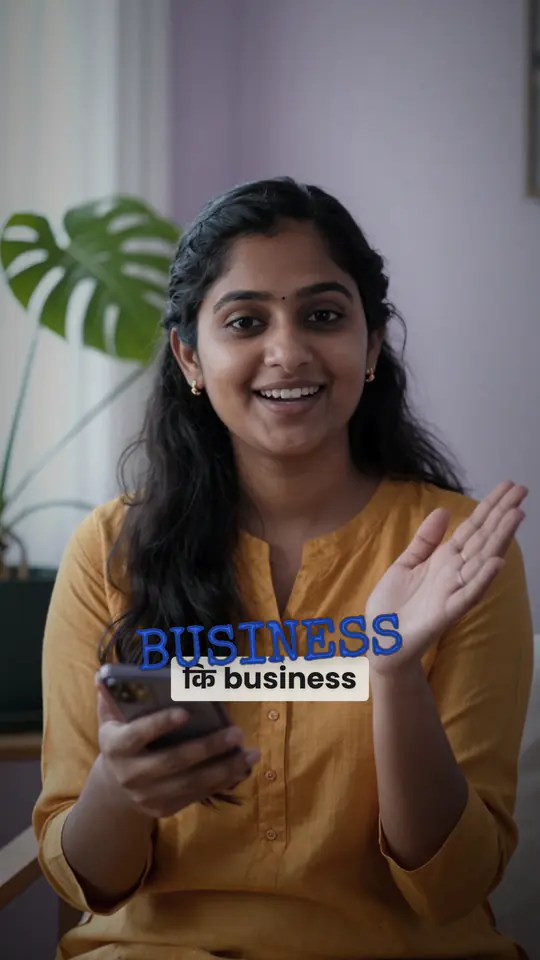
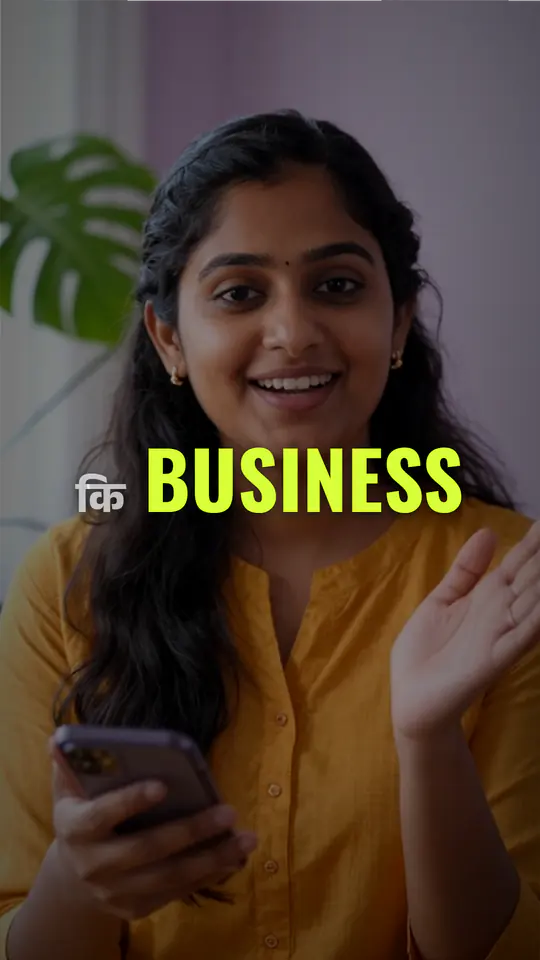
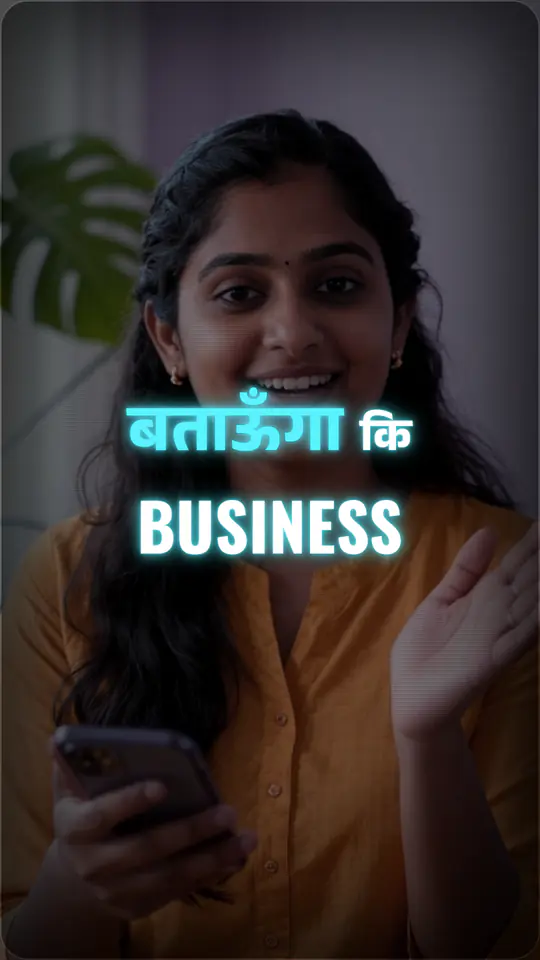
B-roll and graphics from what you say
Count out three things and they become an animated list. Say a figure and it becomes a callout. Compare two ideas and they appear side by side.
- Photos, clips and drawings matched to your words
- Placed where they help, and kept off your face
- Sound effects and noise removal when you export

Edit by typing what you want
Type a change the way you would say it to an editor. It is applied as one step, and one tap undoes it.
- It reads your transcript, graphics and cuts
- Every answer shows what changed and what it cost
- Free accounts get a few prompts a day
A timeline when you want one
Captions mode makes the edit for you. Switch to Timeline to trim, split or delete by hand. Trims snap to the edges of words, so it works on a phone.
- 30 transitions, picked cut by cut
- Move and stretch graphics and B-roll on their own lanes
- Your manual edits survive a change of look
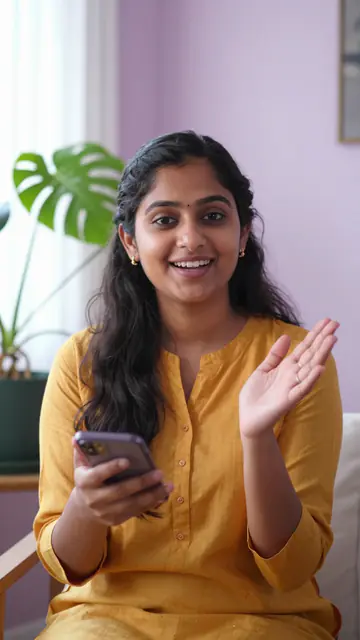
Reframed for Reels, Shorts and more
Face-tracked crops for 9:16, 1:1 and 16:9 from one upload. Captions and graphics keep clear of the buttons Reels, Shorts and TikTok draw over your video.
- Zooms land on the words you stress
- Pick a platform and its safe zones are used
- Change the shape any time, and placements are redone
Your brand kit on every video
Save your logo, colours, caption font and handle once. They go into the captions and graphics, and your logo and handle make the end card.
- One kit for your account
- Apply it to any video from the Style tab
- Your handle is shown exactly as you typed it
Export with the cost on the button
Up to Full HD on Starter, and 4K from Creator up. You see the credits before you press export.
- A failed render gives your credits back
- A cover picture comes with your export
- Download from your library whenever you like
Looks
One upload. Any look.
The same kind of video, dressed seven different ways. Pick a look in two taps, and every video gets its own layout inside it.
Try a look on my videoCooking
Fitness
Tech
Travel
Money tips
Teaching
Beauty
Tap a card to watch the whole edit.
Illustrations with fictional creators. The captions are live text styled after each look; the looks themselves are in the editor.
Indian languages, code-mixed
Captions built for your language
Each script is set with its own fonts and spacing, and a mixed sentence keeps every word in its own script: Hindi or Tamil in native letters, English in Latin.
One caption: Tamil words in their own script, English words in Latin.
- हिन्दीHindi
- தமிழ்Tamil
- తెలుగుTelugu
- বাংলাBengali
- मराठीMarathi
- ಕನ್ನಡKannada
- മലയാളംMalayalam
- ગુજરાતીGujarati
- ਪੰਜਾਬੀPunjabi
- ଓଡ଼ିଆOdia
- English
- Urdu
- Assamese
- Konkani
- Maithili
- Nepali
- Sindhi
- Kashmiri
- Bodo
- Dogri
- Manipuri
- Santali
- Sanskrit
Beta languages work but need more corrections, so treat their captions as a first draft. Every word is editable in every language.
Proof
No made-up reviews. Real output and plain promises.
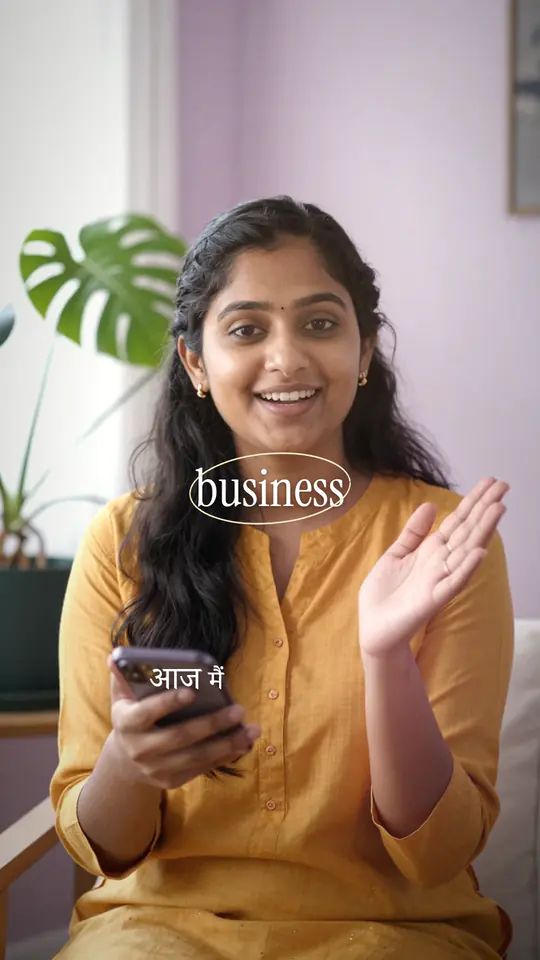
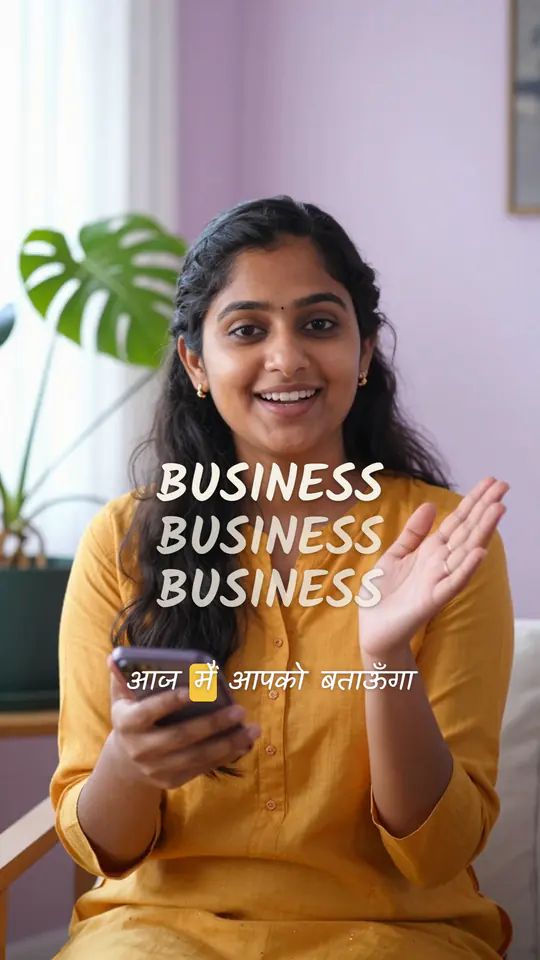
We are new, so there are no testimonials here. These frames come straight from our renderer, and these are the promises we keep.
- Marquee
- Paper
- Nocturne
- Velour
- Chalk
- Preview and editing are free
- You see the cost before you export
- A failed render gives your credits back
- A pass is paid once, with no auto-debit
Real renders from the product, drawn over pictures of fictional creators.
In numbers
- languages for captions
- 23
- complete looks
- 54
- transitions
- 30
- caption styles
- 113
Pricing
A pass, not a subscription
Preview and edit for free. To export, buy a pass once: it gives you credits for 30 days and ends by itself. Prices are in rupees, and the exact amount is shown before you pay.
Free
₹0
no card, no time limit
- Preview your whole edit in the browser
- Every look and language, and fix any word
- Exporting needs credits from a pass
- Start here
Starter
₹399
30 days, paid once
- 40 credits: about 40 minutes of Full HD video
- No watermark, up to Full HD
- 1 export at a time
Creator
₹999
30 days, paid once
- 120 credits: about 120 minutes of Full HD video
- No watermark, up to 4K
- 3 exports at a time
Studio
₹2,499
30 days, paid once
- 350 credits: about 350 minutes of Full HD video
- No watermark, up to 4K
- 10 exports at a time, in the fastest queue
1 credit is one minute of Full HD export (720p is half a credit a minute, 4K is 3). About ₹10 a minute on Starter. Bigger passes for daily posters and agencies are on the pricing page.
FAQ
Questions creators ask first
Which languages does it support?
22 Indian languages plus English, and the mixes people actually speak: Hinglish, Tanglish, Kanglish and the rest. 10 Indian languages and English are at launch quality. The other 12 are in beta and need more corrections, so treat their captions as a first draft.
What if a caption is wrong?
Open the transcript, tap the word and fix it. Captions, highlights and graphics follow your correction, and there is nothing to upload again.
Do I need editing experience?
No. Captions mode makes the whole edit for you: upload, pick a look, fix any word, export. If you want more control, a timeline is one tap away, and you can also type what you want changed.
How much does it cost?
Previewing and editing are free. Exporting uses credits: one credit is a minute of Full HD video, and you see the cost before you press export. Credits come with a 30-day pass, from ₹399 for 40 credits. See every pass
Do I have to subscribe?
No. A pass is paid once and lasts 30 days. It never renews on its own, and no auto-debit or UPI mandate is set up, so there is nothing to cancel.
Which formats does it export for?
Vertical 9:16, square 1:1 and landscape 16:9 from one upload. Captions and graphics stay out of the areas the Reels and Shorts buttons cover.
How do I pay?
Payments go through Razorpay, with UPI and the other methods it offers at checkout. We never see or store your UPI PIN, card number or bank details. Cancellation and refund policy
What happens to my video?
Your upload sits in private storage and is used only to make your edit. The original file, and the working files made from it, are deleted automatically 30 days after you upload it, and each export 30 days after it is made, so download what you want to keep. The transcript and your edit stay with your account until you ask us to remove them. Privacy policy
Your next Reel is one upload away.
Preview and edit free. Pay only when you export.